

Website Design

dots

Introduction

Design systems have become an increasingly important aspect of product design in recent years. They provide a set of rules, components, and guidelines that ensure consistency and efficiency across a product or brand’s visual and interactive design elements. Design systems can also streamline the design process and help teams work more effectively. As a result, developing and maintaining products over time becomes easier.

However, to create truly effective and inclusive design systems, it is essential to prioritise accessibility and inclusivity. By making design decisions that are considerate of diverse user needs, we can create products that are not only more accessible but also more engaging and enjoyable for all users.

Understanding Accessibility and Inclusivity

Accessibility and inclusivity are key concepts that should be at the forefront of any design process. But first, we must understand these concepts.

Defining Accessibility and Inclusivity

Accessibility refers to the ability of people with disabilities to access and use a product or service. This includes people with physical, cognitive, or sensory impairments, such as vision or hearing loss, mobility issues, or learning disabilities.

Inclusivity, on the other hand, refers to the ability of a product or service to be used by a diverse range of people, regardless of their individual needs, preferences, or backgrounds. This can include people with disabilities, as well as people from different cultures, languages, ages, genders, and socio-economic backgrounds.

What are the Benefits of Accessibility and Inclusivity?

Designing with accessibility and inclusivity in mind has numerous benefits. It can help increase the reach and impact of a product or service because it becomes accessible to a wider range of users.

Accessible and inclusive designs can also enhance the user experience, as it ensures that everyone can use and engage with the product in a meaningful way. Designing for accessibility and inclusivity can likewise help promote social responsibility and ethical design practices.
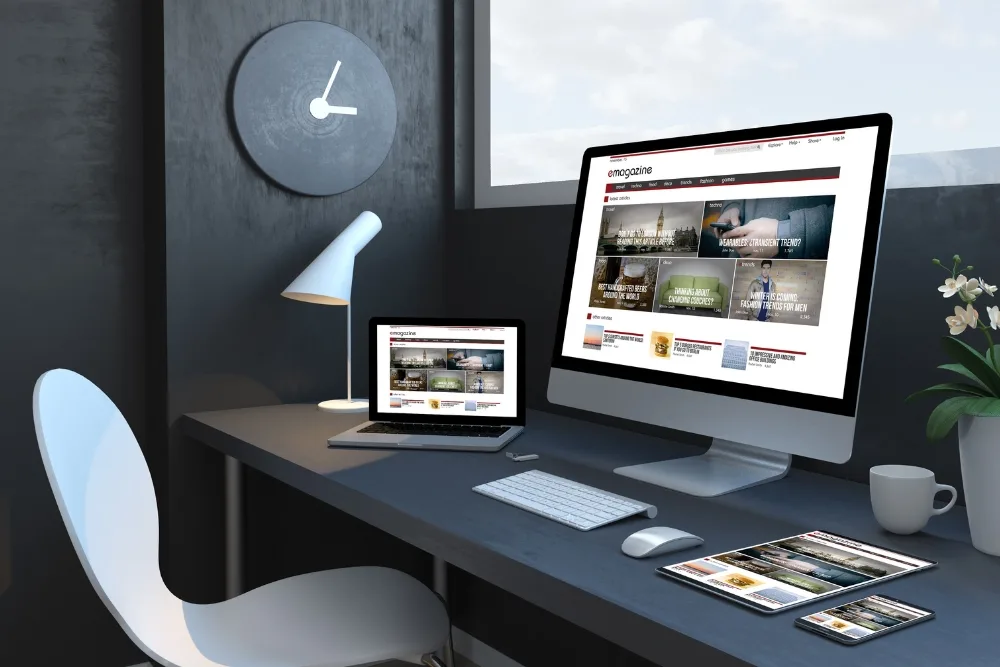
Understanding Accessibility and Inclusivity

Are there Challenges to Accessibility and Inclusivity in Design?

Despite the benefits of designing for accessibility and inclusivity, there are also common challenges that designers may face in the process. Some of these challenges include the following:

  • Lack of awareness or understanding of accessibility and inclusivity
  • Limited resources or time for accessibility and inclusivity testing
  • Difficulty in balancing accessibility and inclusivity with other design goals, such as aesthetics or functionality
  • Limited accessibility and inclusivity guidelines or standards in some industries or contexts

5 Components of an Accessible and Inclusive Design System

Designing a system that supports accessibility and inclusivity requires careful attention to the key components that make up the system.

Typography

Typography is an essential component of any design system, as it affects how users read and understand information. When designing for accessibility and inclusivity, it is important to consider the following factors:
  • Font size: Text should be legible and easily readable for users of all abilities. Consider using a larger font size and line height to make it easier for users to read.
  • Font style: Certain font styles, such as italics or script, can be more difficult to read for some users. Using a simple, sans-serif font that is easy to read is recommended
  • Contrast: Text should have sufficient contrast with its background to be easily readable. Use a colour contrast checker to ensure that your text meets the recommended contrast ratios for accessibility.
  • Colour

    Colour plays a significant role in the design, both aesthetically and functionally. Consider the following when designing for accessibility and inclusivity:
  • Contrast: Contrast is important for text legibility. It is also important for differentiating between elements on a page. Thus, make sure that there is sufficient contrast between foreground and background elements.
  • Colour blindness: Approximately 8% of men and 0.5% of women have some form of colour blindness. To address this, it’s best to avoid using colour as the sole means of conveying important information.
  • Colour palette: Consider creating an accessible colour palette that meets contrast requirements and takes into account the emotional and cultural associations of different colours.
  • Layout

    Layout refers to the way that design elements are arranged on a page or screen. Here are some considerations when choosing a layout design for accessibility and inclusivity.
  • Clear hierarchy: Ensure that the most important information is accessible and visible. Use a clear visual hierarchy to help guide users through the content.
  • Navigation: Navigation should be easy for all users. You can use clear labels and consider adding visual cues, such as arrows or underlines, to make it easier for users to navigate.
  • Responsive design: Ensure that the design system is flexible and responsive. This means it can adapt to different screen sizes and user needs.
  • Imagery

    Imagery can be a powerful tool in design, but it is also important to consider its accessibility and inclusivity implications. Some factors to consider when designing for accessibility and inclusivity include the following:
  • Including an alternative text: Provide alternative text for all images so that users with visual impairments can understand their content.
  • Using inclusive imagery: Use imagery that represents diverse users and veers away from stereotypes or exclusions.
  • Addressing sensory sensitivity: Consider the impact that moving or flashing imagery may have on users with sensory sensitivities.
  • Flexibility

    Finally, flexibility is an important component of an accessible and inclusive design system. When designing for accessibility and inclusivity, consider the following factors:
  • User testing: Conduct user testing to ensure that the design system meets the needs of a diverse range of users.
  • Guidelines and standards: Follow established accessibility and inclusivity guidelines and standards, such as Web Content Accessibility Guidelines (WCAG) or Section 508.
  • Iteration: Continuously evaluate and improve the design system to ensure that it is meeting the needs of users over time.
  • Best Practices for Designing an Accessible and Inclusive Design System

    Designing an accessible and inclusive design system requires a deep understanding of the needs and abilities of all users. Here are some of the best practices for designing a design system that supports accessibility and inclusivity.

    Prioritise accessibility and inclusivity from the start.

    Designing for accessibility and inclusivity should be a priority from the very beginning of the design process. By prioritising these considerations from the start, we can ensure that they are incorporated into the design system from the ground up.

    Conduct user research and testing.

    Conducting user research and testing is an important part of designing an accessible and inclusive design system. By involving users with diverse abilities and needs in the design process, we can ensure that the system meets their needs and preferences.

    Follow established accessibility guidelines and standards.

    Established accessibility guidelines and standards, such as the WCAG or Section 508, provide a framework for designing accessible and inclusive digital products. These guidelines and standards can help ensure that the design system meets the needs of a broad range of users.

    Use inclusive language and imagery.

    Using inclusive language and imagery is an important part of designing an accessible and inclusive design system. Consider the impact that language and imagery can have on different users and work to avoid stereotypes or exclusions.

    Design with flexibility in mind.

    The design system should be flexible and adaptable to meet the needs of users with different abilities and preferences.

    Prioritise user control.

    Giving users control over their experience is an important part of designing an accessible and inclusive design system. Users should be able to customise their experience to meet their personal needs and preferences.

    Ensure accessibility and inclusivity across all devices and platforms.

    Designing for accessibility and inclusivity is not just limited to desktop or mobile devices. The design system should be accessible and inclusive across all devices and platforms, including wearable technology and assistive devices.

    Educate team members and stakeholders.

    By raising awareness and promoting best practices, we can ensure that the entire team is aligned and committed to creating a design system that meets the needs of all users.

    Case Studies of Accessible and Inclusive Design Systems

    Case studies demonstrate the benefits of designing for accessibility and inclusivity. They provide real-world examples of how to implement best practices for creating a design system that supports all users. Check out the following design systems and learn from their good practices.

    Apple Accessibility Design System

    The Apple Accessibility Design System is a comprehensive guide for designing accessible digital products. It provides guidelines for designing for accessibility and inclusivity, as well as resources for developers to test their products for accessibility. The system prioritises user control, flexibility, and inclusivity, and includes features such as voice control, zoom, and dark mode.

    Microsoft Inclusive Design Toolkit

    The Microsoft Inclusive Design Toolkit is a comprehensive set of resources for designing inclusive digital products. It guides designing for a wide range of abilities and preferences, including visual, auditory, cognitive, and motor impairments. The toolkit includes guidance on using inclusive language, designing for flexibility and adaptability, and testing for accessibility.

    BBC Global Experience Language (GEL)

    The BBC Global Experience Language (GEL) is a design system that supports accessibility and inclusivity across all of the BBC’s digital products. The system includes guidelines for designing for a diverse range of users, including those with visual, hearing, and mobility impairments. User control, flexibility, and inclusivity are its priorities. The BBC Gel also includes features such as captions, audio descriptions, and high-contrast modes.

    Shopify Polaris Design System

    The Shopify Polaris Design System is a comprehensive guide for designing accessible and inclusive e-commerce products. The system includes guidelines for designing for a wide range of abilities and preferences, including visual, auditory, cognitive, and motor impairments. It includes features such as screen reader compatibility, keyboard navigation, and high-contrast modes, prioritising user control, flexibility, and inclusivity.

    UK Government Digital Service (GDS) Design System

    The UK Government Digital Service (GDS) Design System is a comprehensive guide for designing accessible and inclusive digital products for the UK government. The system includes guidelines for designing for a wide range of users, including those with visual, hearing, and mobility impairments. It provides user control, flexibility, and inclusivity, with features that include screen reader compatibility, keyboard navigation, and high-contrast modes.

    Join the Accessibility and Inclusivity Movement Today!

    As designers, it is our responsibility to design products that are accessible and inclusive to everyone. By prioritising accessibility and inclusivity in our design processes, we can create digital products that are usable by everyone, regardless of their abilities or preferences.

    At JezNorthWeb, we believe in designing digital products that are accessible and inclusive to all. Join us in our mission to create a more inclusive digital world. Start by implementing the best practices we’ve discussed in this article and prioritising accessibility and inclusivity in your design processes. Let’s work together to make the digital world a better place for everyone.

    Are you a business owner looking to improve your website’s accessibility and inclusivity? We’ve got your back! Call us today on 0455 029 199, and let’s discuss your options.

    Contact us now to arrange a free consultation about your website

    Make an AppointmenT