A WordPress business website needs to do four things well: load fast, work on a phone, make it easy to get in touch, and show up when people search. Get that right and the rest is detail. Plenty of sites bolt on features nobody uses and skip the ones that bring in work. Here’s what matters, and what you can leave out.
Start With Speed and Mobile
Most people will see your site on their phone. If it takes more than a few seconds to load, a good chunk of them leave before they’ve read a word. That’s lost business, plain and simple.
Speed comes down to a few things: decent hosting, images that aren’t bigger than they need to be, and a theme that isn’t stuffed with code you’ll never use. A caching plugin helps too. You don’t need to understand the technical side, but you do need a site built with this in mind from the start.
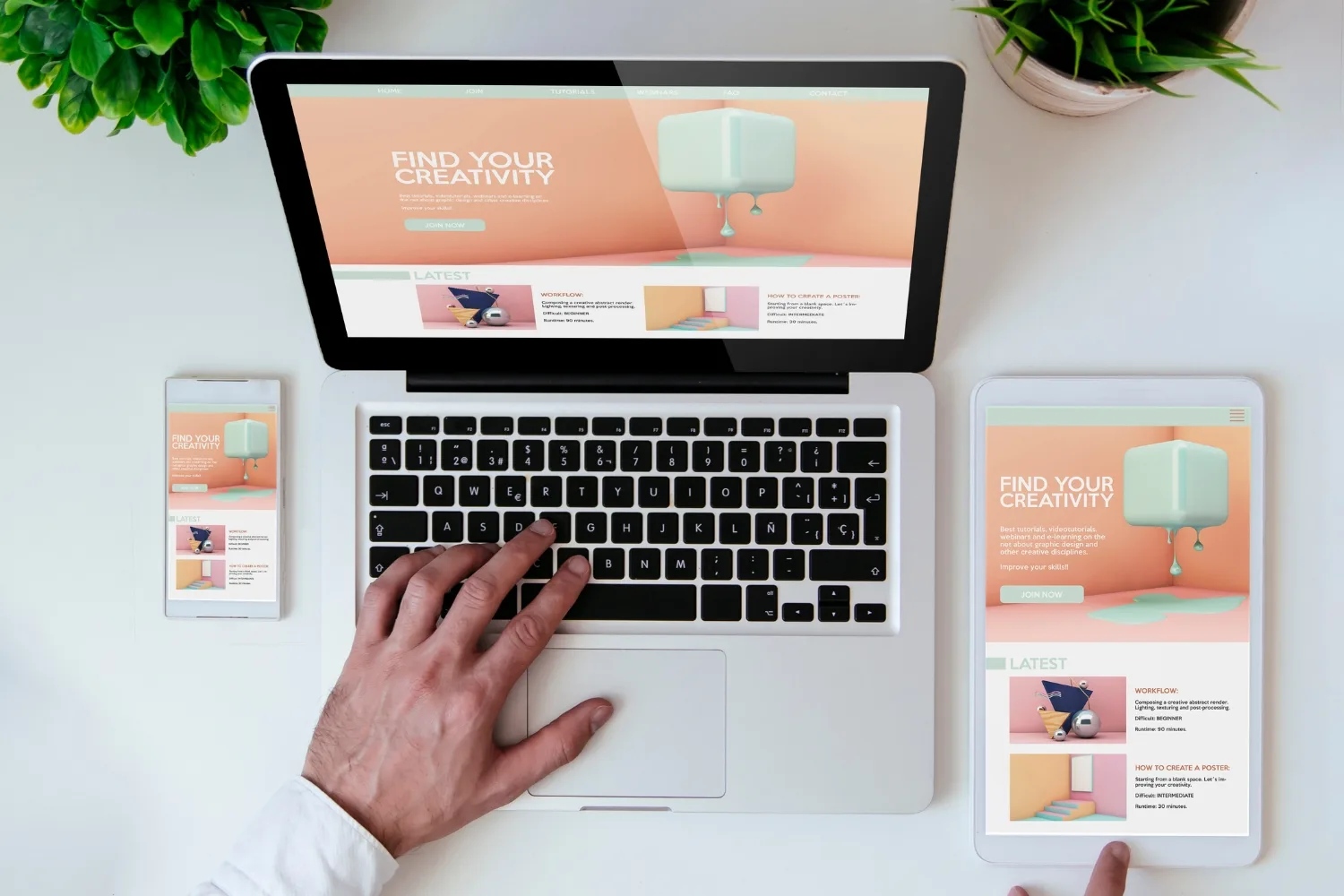
Mobile-friendly isn’t optional. Google ranks the mobile version of your site, not the desktop one. So, if your site looks great on a laptop but the buttons are tiny on a phone, you’re hurting your rankings and annoying visitors at the same time.
Make It Dead Easy to Get in Touch
This is the one most businesses get wrong. Someone’s ready to call or send an enquiry, and they can’t find the button. Don’t make them hunt.
A business site should have:
- A phone number that’s tappable on mobile, ideally in the header so it’s visible on every page
- A short contact form that asks for name, contact details and a message, nothing more
- Your service area or address, so people know you cover their patch
- A clear call to action on every page, whether that’s request a quote, book a job, or ring us
If you take bookings, a booking or appointment form saves everyone the back-and-forth. WordPress has solid plugins for this, and they slot straight into a page.
One thing worth saying: keep forms short. Every extra field you add, fewer people finish. Ask for what you need to respond and get the rest in conversation.
Build SEO In From the Start
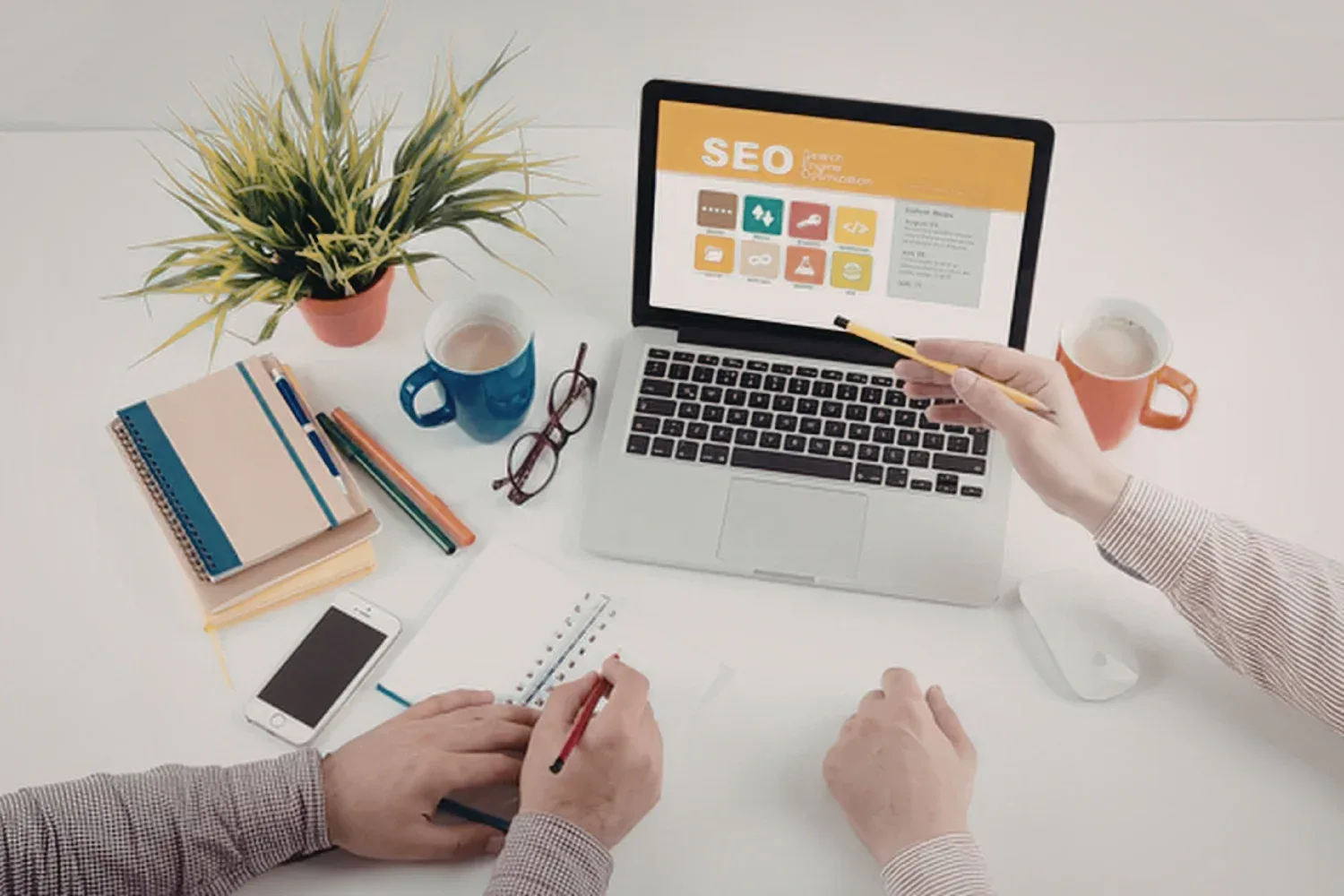
A good-looking site that nobody finds isn’t doing its job. Search engine optimisation is what gets you in front of people looking for what you do, and WordPress makes a lot of it straightforward.
At a minimum you want a way to set page titles and meta descriptions, clean web addresses that read properly, and a structure search engine can follow. An SEO plugin like Yoast or Rank Math handles the groundwork. Beyond the plugin, the content itself does the heavy lifting: pages that answer real questions, written for people first.
If you want to go deeper, Google’s own SEO Starter Guide is a solid, jargon-light place to start. It’s the same advice the experts follow, straight from the source.
It’s also worth getting professional help with SEO if competition in your area is tight. The basics get you on the board, but ranking ahead of established competitors usually takes more.
Content You Can Update Yourself
One of the best things about WordPress is that you don’t need a developer every time you want to change a price, add a photo, or write a post. The editor is simple enough that most business owners pick it up quickly.
Make sure your site is set up so you can edit the pages that change often. A blog is worth having too, not for the sake of it, but because fresh, useful posts give people a reason to visit and give Google more of your site to rank. A few well-written articles a year beats a dozen thin ones.
Not sure where to start with WordPress? Our WordPress web design page walks through how a site comes together from hosting to launch.
Security and Backups Aren’t Optional
WordPress runs a big share of the web, which makes it a target. The good news is that staying safe is mostly about doing a few sensible things consistently.
Keep WordPress, your theme and your plugins updated. Use strong passwords. Run a security plugin to block the common attacks. And back up your site regularly, so if something does go wrong you can restore it instead of rebuilding from nothing.
An SSL certificate is a must as well. It’s the padlock in the browser bar, it encrypts data between your site and your visitors, and Google treats it as a ranking signal. Most hosts include one now, so there’s no excuse to skip it.
Features You Probably Don’t Need
It’s easy to get talked into features that look impressive and do nothing. A few to think twice about:
- Animated sliders on the homepage. They slow the site down and most visitors scroll past before the second slide loads.
- Auto-playing video or music. People find it annoying, and it eats data on mobile.
- Dozens of plugins. Everyone you add is more to update and more that can break. Stick to what earns its place.
- Pop-ups that fire the second someone lands. If you must use one, give people a chance to read the page first.
A fast, clear, easy-to-use site beats a flashy one every time. Spend the effort on the things people actually use.
Getting It Built Properly
You can build a WordPress site yourself, and plenty of people do. But there’s a difference between a site that exists and a site that brings in work. The features above are the difference and getting them right from the start saves expensive fixes later. If you’d rather hand it over, we build WordPress sites for businesses across the Northern Rivers and beyond. Request a quote and we’ll talk through what your site needs and what it doesn’t.