Parallax scrolling is a web design technique where the background moves slower than the foreground as you scroll. This creates a sense of depth on a flat screen. It’s often used to add visual interest to modern websites, especially for portfolios, brand pages, and product showcases.
On a standard page, all elements move at the same speed. With parallax, separate layers scroll at different rates. This mimics real-world motion, where objects closer to the eye move faster than those in the distance. The effect helps make a static page appear more interactive without requiring user input.
Parallax scrolling can also help structure the user journey. By revealing elements in stages, you can draw attention to key content or calls to action. However, it needs to be used carefully to avoid confusing users or causing slow load times. This guide outlines when and how to use parallax scrolling effectively.
Where Parallax Scrolling Works Best
Parallax scrolling suits websites that rely on visual storytelling. Creative agencies, digital portfolios, and brand sites often use the effect to guide visitors through content in a linear, visual sequence. The design style works well when paired with short-form content, clear navigation, and large imagery.
It’s less suitable for websites with heavy text, such as blogs, news outlets, or knowledge bases. These sites need fast load times, smooth mobile rendering, and focus on content readability. Overusing parallax can introduce lag or reduce accessibility for users with visual or cognitive sensitivities.
When considering parallax scrolling for your site, evaluate whether the effect adds value to the core message. Avoid adding it purely for decoration. The most effective use of parallax helps focus attention, showcase visuals, or transition users through a story or sales path.
Managing Performance and Speed
Parallax effects rely on layered animations and high-resolution images. These can affect performance, especially on slower connections or mobile devices. Before adding parallax to a live website, it’s essential to test how it impacts load speed and responsiveness.
Here are practical steps to maintain performance:
- Compress all background images before upload
- Minimise use of external animation scripts
- Use lazy loading for images below the fold
- Test the page with Google PageSpeed Insights
- Disable heavy effects on mobile devices
Performance issues can affect SEO and user experience. Parallax should only be used when it doesn’t interfere with fast loading or usability on all major devices and browsers.
Accessibility and Mobile Considerations
Dynamic scroll effects like parallax can cause issues for users with motion sensitivity. Some may find the motion disorienting or hard to follow. Others using screen readers or older devices might not be able to access the content at all if it depends on visual movement.
To address these issues:
- Allow users to reduce motion via browser or OS settings
- Use fallback content for static rendering on older devices
- Ensure text and images remain accessible without the scroll effect
- Test with screen readers and assistive tech
Many modern websites implement a simplified mobile version without parallax. This can help keep the experience usable while still offering visual depth on desktop.
Testing Across Browsers and Devices
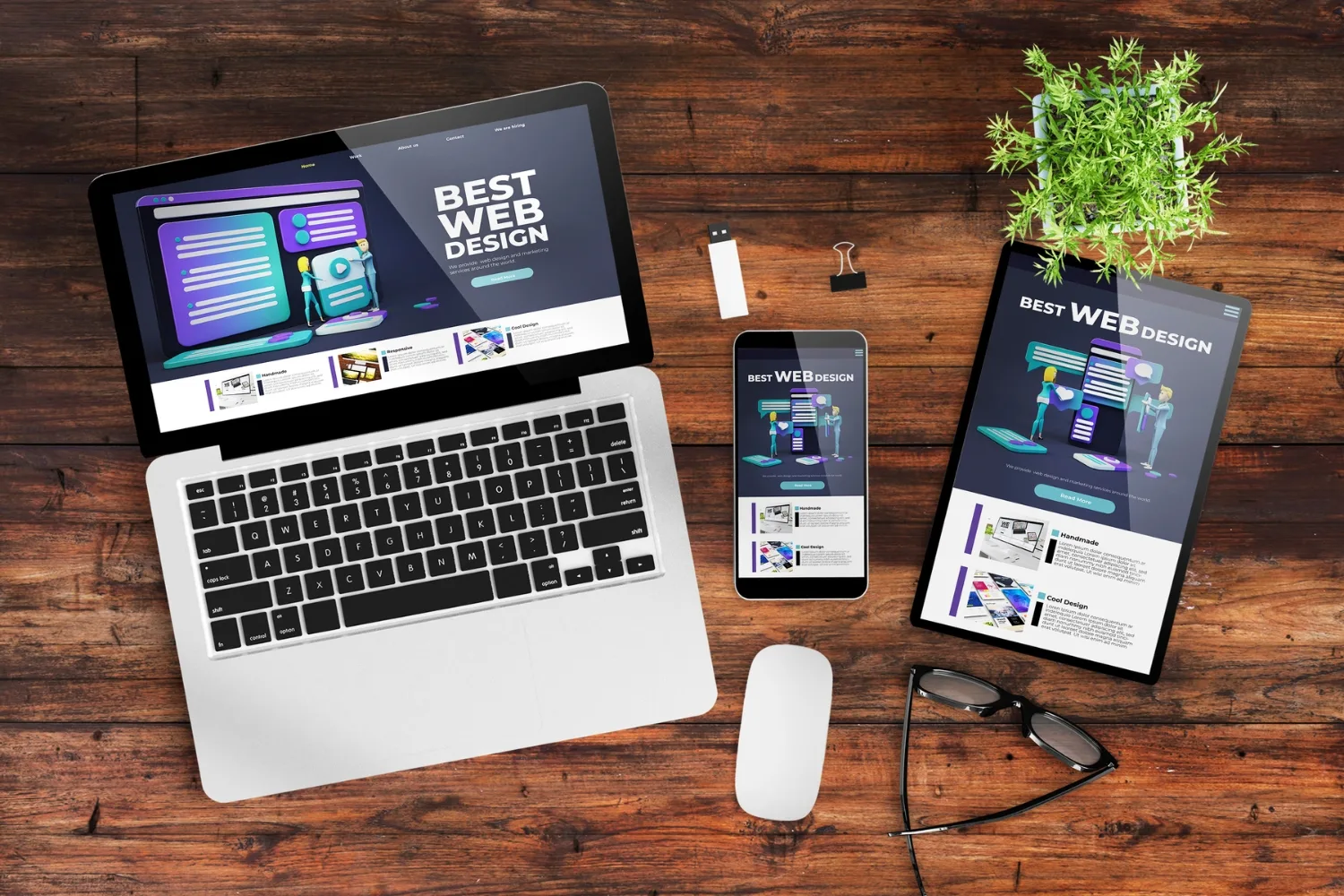
Not all browsers interpret scroll effects the same way. Older versions of Safari, Firefox, or mobile browsers may render parallax differently or skip animations. Testing across platforms helps ensure consistent performance and layout.
To avoid layout issues:
- Check parallax sections on desktop and mobile
- Test with Chrome, Firefox, Safari, and Edge
- Review how animations load on slow or fast networks
- Identify breakpoints where fallback behaviour is needed
Regular testing ensures the user experience remains consistent even as browsers or devices are updated. If issues arise, adjust the code or reduce the number of layered effects to improve compatibility.
When to Use Parallax Scrolling
Parallax scrolling can improve the visual structure of a site when used correctly. But it should not distract from key content or slow down performance. Avoid using it in place of clear navigation or messaging.
Parallax works best when:
- Telling a story through scroll-based sections
- Highlighting a product or concept visually
- Adding movement to short, focused pages
Before applying the effect, plan the structure of each section to avoid unnecessary animation. Use it to support the content, not to replace it.
For help designing websites with practical effects that improve user flow and performance,
Parallax Scrolling FAQs
What is parallax scrolling?
It’s a design effect where background images move slower than foreground content during scroll, creating a 3D-style illusion.
How does parallax scrolling work?
The effect uses different scroll speeds on layered elements to mimic depth, based on how human vision processes near and far objects.
Can I use parallax on Shopify?
Yes. Some Shopify themes offer this feature, or you can add it using custom code or external apps.
Does parallax affect SEO?
Only if poorly implemented. Large animations or unoptimised images can slow load speed, which may hurt rankings.
Should I use parallax on every site?
No. It’s best suited for design-led sites or pages with clear visual goals. Avoid using it on content-heavy or accessibility-focused websites.